
Angular for Beginners: Complete Roadmap from Zero to Your First Angular App
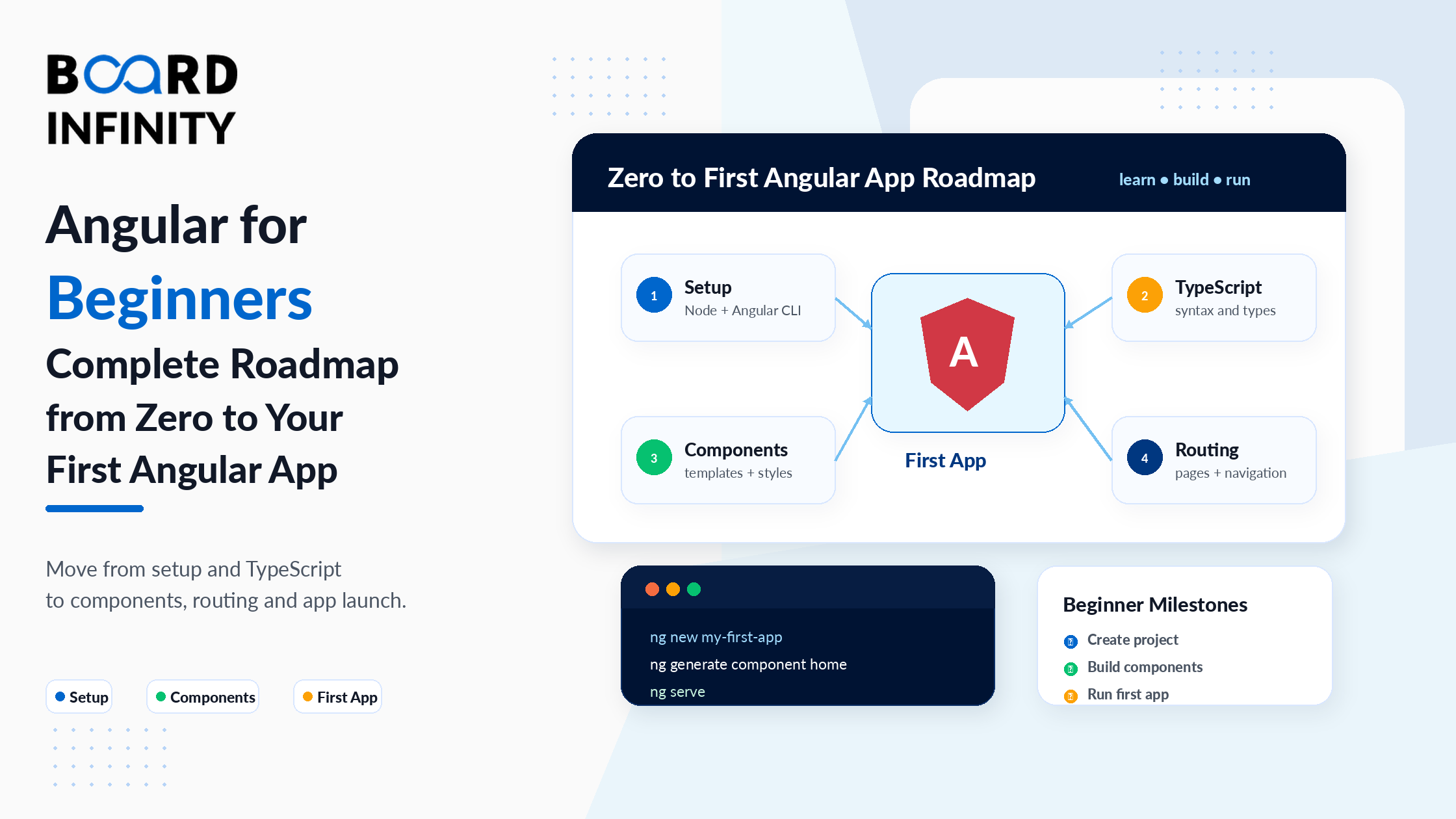
Angular is the frontend framework that powers some of the world's most complex web applications - from Google's own products to enterprise banking platforms, healthcare systems, and large-scale e-commerce applications. It has a reputation for being the framework that serious enterprise teams choose when they need structure, scalability, and long-term maintainability. It also has a reputation for having a steep learning curve. Both reputations are earned - and this guide addresses both directly.
The steep learning curve is real, but it's also manageable with the right roadmap. Angular's complexity comes from its comprehensiveness: it's an opinionated, full-featured framework that includes a component system, a dependency injection engine, a router, form handling, HTTP communication, and state management tools - all built-in, all working together. Once you understand how these pieces connect, Angular's structure becomes its greatest strength rather than its biggest barrier.
This guide gives you a practical, code-forward introduction to Angular 21. You'll understand why Angular is the enterprise choice, how it compares to React and Vue, how to set up your environment, and how the core concepts - components, data binding, routing, and services - work in real code. By the end, you'll have the mental model and the hands-on foundation to build your first Angular application with confidence.
Who This Guide Is For
This guide is for you if you:
- Know HTML, CSS, and basic JavaScript or TypeScript
- Are choosing between Angular, React, and Vue and want to make an informed decision
- Have tried Angular tutorials before but found them confusing or incomplete
- Are a developer who wants to enter enterprise frontend development
- Want a clear picture of Angular's career opportunities - Board Infinity's how to become a front-end developer guide covers the full frontend development roadmap and explains where Angular fits in the skills progression from HTML/CSS basics to enterprise-level framework development
1. Angular vs React vs Vue: Which Should You Learn?
Before writing a single line of Angular code, it's worth understanding why you're choosing Angular over its alternatives. This isn't a religious debate - each framework has genuine strengths for specific contexts.
React is a library, not a framework. It handles the view layer excellently but requires you to make your own decisions (and add your own dependencies) for routing, state management, form handling, and HTTP communication. It has a massive ecosystem, the most job postings in most markets, and significant flexibility. The tradeoff is that large React codebases can look very different from team to team.
Vue is the most approachable of the three for beginners with a minimal JavaScript background. Its template syntax is close to standard HTML, its learning curve is gentler, and it's particularly popular in Asia and in smaller teams. It's less dominant in enterprise and less common in large-scale North American tech companies.
Angular is a complete, opinionated framework. It includes everything - router, forms, HTTP, DI container, testing utilities, CLI - out of the box. It uses TypeScript by default (not optional), enforces consistent architectural patterns, and is the standard choice for large enterprise teams that need predictable structure across hundreds of developers and thousands of files. For a thorough side-by-side analysis of all three frameworks across learning curve, job market, and architectural philosophy, Board Infinity's Angular vs React vs Vue comparison and the updated 2025 framework comparison both cover the decision comprehensively with real career context.
| Factor | Angular | React | Vue |
|---|---|---|---|
| Type | Full framework | UI library | Progressive framework |
| Language | TypeScript (required) | JavaScript or TypeScript | JavaScript or TypeScript |
| Learning curve | Steep but structured | Moderate | Gentle |
| Best for | Enterprise, large teams, complex apps | Startups, SPAs, high flexibility | Smaller teams, rapid prototyping |
| Built-in features | Router, Forms, HTTP, DI, Testing - all included | View only - everything else is third-party | Most included, some third-party |
| Job market (2026) | Strong in enterprise, banking, healthcare | Largest overall market | Growing, strong in specific regions |
If your career goal is working at large organizations - banks, insurance companies, healthcare platforms, government systems, or large consulting firms - Angular is the pragmatic choice. These organizations choose Angular for its enforced structure, TypeScript-first approach, and the fact that an Angular codebase written by one team is recognizable to any Angular developer joining later. The steeper learning curve pays dividends in enterprise contexts where consistency across large teams matters enormously.
2. Setting Up Your Angular Development Environment
Setting up Angular requires three things: Node.js, the Angular CLI, and a good IDE. Angular 21 requires Node.js 20 or later. Understanding the JavaScript ecosystem that Angular runs on - Node.js, npm, and the tooling layer - is important context. Board Infinity's JavaScript trends and tools guide covers the JavaScript ecosystem tools - including Node.js, package managers, and CLI tools - that Angular's development environment is built on top of.
# Step 1: Install Angular CLI globally
npm install -g @angular/cli
# Step 2: Verify installation
ng version
# Step 3: Create a new Angular project
ng new my-first-app --standalone
# When prompted:
# - Which stylesheet format? Select CSS
# - Enable SSR? Select No for now
# Step 4: Navigate into the project
cd my-first-app
# Step 5: Start the development server
ng serve
# App runs at http://localhost:4200
# Live reload - changes appear instantly without refreshing
3. Angular Project Structure Explained
When the CLI creates your project, it generates a specific structure that every Angular developer needs to understand. src/app/ is where your application code lives. src/app/app.component.ts is the root component of your application. src/app/app.config.ts is the application-level configuration. angular.json controls build settings. tsconfig.json is the TypeScript compiler configuration.
Angular's predictable project structure - where every team's codebase follows the same conventions - is one of the framework's strongest advantages for enterprise teams. Board Infinity's web development frameworks comparison explains how Angular's enforced project structure compares to the flexibility (and inconsistency) typical in large React projects, and why structure matters more as team size grows.
Angular 21 defaults to standalone architecture - components that don't need to be declared in an NgModule. This is the modern, recommended approach and is significantly simpler than the older module-based architecture. When you use --standalone with ng new, your app uses this cleaner approach from the start. If you encounter older Angular tutorials using @NgModule, that's the legacy pattern - still works, but standalone is the future.
4. Components: The Building Blocks of Every Angular App
In Angular, everything is a component. A component is a TypeScript class decorated with @Component that combines a template (HTML), styles (CSS), and logic (TypeScript) into a single, reusable unit. Your application's UI is a tree of components - one root component at the top, with child components nested inside.
Angular's component-based architecture is how modern SPAs are built - and understanding the SPA model that components enable is important context. Board Infinity's Single Page Applications vs Multi-Page Applications guide explains the SPA model that Angular's component tree powers, including the performance and UX advantages that make SPAs the default choice for enterprise web applications. The @Input and @Output communication pattern between components also connects directly to JavaScript's async event model - Board Infinity's guide on async/await in JavaScript covers the async JavaScript patterns that EventEmitter and Observable-based component communication build upon.
import { Component, Input, Output, EventEmitter } from '@angular/core'; @Component({ selector: 'app-product-card', // used asin templates standalone: true, // Angular 21 standalone - no NgModule needed template: <div class="card"> <h2>{{ product.name }}</h2> <!-- interpolation: displays data --> <p>{{ product.price | currency }}</p> <!-- pipe: formats output --> <p [class.available]="product.inStock"> <!-- property binding --> {{ product.inStock ? 'In Stock' : 'Out of Stock' }} </p> <button (click)="addToCart()">Add to Cart</button> <!-- event binding --> </div> , styles: [ .card { border: 1px solid #ddd; padding: 16px; border-radius: 8px; } .available { color: green; } ] }) export class ProductCardComponent { // @Input receives data from parent component @Input() product: { name: string; price: number; inStock: boolean } = { name: '', price: 0, inStock: false }; // @Output sends events to parent component @Output() cartAdd = new EventEmitter<void>(); addToCart() { this.cartAdd.emit(); // notify parent that add-to-cart was clicked } }
Component Communication: @Input and @Output
Components communicate through a clean, explicit mechanism. A parent component passes data down to a child via @Input() properties. A child component sends events up to the parent via @Output() event emitters.
This one-way data flow (down with @Input, up with @Output) is Angular's component communication model and is fundamental to understanding how Angular applications are structured.
5. Data Binding: Interpolation, Property, Event & Two-Way
Data binding is how Angular connects your TypeScript class properties to the HTML template. Angular has four types, each with a specific syntax and purpose. Angular's two-way data binding - one of its most distinctive features compared to React's one-way data flow - is a core reason enterprise teams choose Angular for form-heavy applications. Board Infinity's benefits of using Angular guide covers Angular's two-way data binding as one of its foundational enterprise advantages, explaining how it reduces the boilerplate required to keep UI and application state in sync.
| Binding Type | Syntax | Direction | Example |
|---|---|---|---|
| Interpolation | {{ expression }} |
Class - Template (read) | {{ user.name }} |
| Property Binding | [property]="expression" |
Class - Element property | [disabled]="isLoading" |
| Event Binding | (event)="handler()" |
Template - Class (action) | (click)="submit()" |
| Two-Way Binding | [(ngModel)]="property" |
Both directions simultaneously | [(ngModel)]="searchTerm" |
@Component({
  selector: 'app-search',
  standalone: true,
  imports: [FormsModule, NgIf],
  template: `
    <!-- 1. Interpolation: displays class property in template -->
    <h2>Hello, {{ userName }}!</h2>
<!-- 2. Property Binding: sets element property from class -->
<input [placeholder]="searchPlaceholder" />
<button [disabled]="isLoading">Search</button>

<!-- 3. Event Binding: calls class method on user action -->
<button (click)="performSearch()">Go</button>
<input (keyup.enter)="performSearch()" />

<!-- 4. Two-Way Binding: syncs input value with class property -->
<input [(ngModel)]="searchQuery" placeholder="Search..." />
<p>You typed: {{ searchQuery }}</p>
`
})
export class SearchComponent {
userName          = 'Alice';
searchPlaceholder = 'Enter a search term...';
isLoading         = false;
searchQuery       = '';        // synced with input via [(ngModel)]
performSearch() {
this.isLoading = true;
console.log('Searching for:', this.searchQuery);
// ... search logic
}
}
[(ngModel)] comes from Angular's FormsModule. In standalone components, you need to add FormsModule to the component's imports array. Without it, you'll get the error "Can't bind to 'ngModel' since it isn't a known property of 'input'". For reactive forms (the more powerful approach), import ReactiveFormsModule instead.
6. Angular Routing: Navigating Between Pages
Angular is a Single Page Application (SPA) framework - the browser loads one HTML file and Angular dynamically swaps content as users navigate. The Angular Router handles this navigation, matching URLs to components and rendering them in a designated <router-outlet> placeholder in your template. Understanding how Angular's built-in router differs from React's external React Router library is important context for developers choosing a framework - Board Infinity's ReactJS vs VueJS comparison covers how routing is handled across all three major frameworks, showing why Angular's integrated router is a key advantage for teams that don't want to manage additional routing library decisions.
// app.routes.ts - define your application's routes import { Routes } from '@angular/router'; import { HomeComponent } from './home/home.component'; import { ProductsComponent } from './products/products.component'; import { ProductDetailComponent } from './products/detail/product-detail.component'; export const routes: Routes = [ { path: '', component: HomeComponent }, // / { path: 'products', component: ProductsComponent }, // /products { path: 'products/:id', component: ProductDetailComponent }, // /products/42 { path: '**', redirectTo: '' } // 404 - redirect home ]; // app.component.ts - the root component with navigation @Component({ selector: 'app-root', standalone: true, imports: [RouterOutlet, RouterLink, RouterLinkActive], template: ` <!-- Angular renders the matched component here --> <router-outlet /> ` }) export class AppComponent {} // Reading route parameters in ProductDetailComponent @Component({ selector: 'app-product-detail', standalone: true, template: ... }) export class ProductDetailComponent implements OnInit { private route = inject(ActivatedRoute); productId: string = ''; ngOnInit() { // Reads the :id from /products/:id this.productId = this.route.snapshot.paramMap.get('id') ?? ''; } }
7. Services and Dependency Injection in Angular
Services are where your application's shared logic and data live. A service is a TypeScript class decorated with @Injectable that Angular's dependency injection system manages and provides to any component or other service that needs it. The pattern is clean: components handle the UI; services handle the logic and data.
Dependency Injection (DI) is Angular's mechanism for providing services to components automatically. Instead of components calling new ProductService(), they declare the dependency and Angular creates and provides the instance. For developers who want to understand how Angular's frontend service layer connects to backend APIs - which is what services primarily do in real applications - Board Infinity's guide on integrating Node.js APIs with Angular shows how Angular's HttpClient-based services communicate with Node.js backends in a complete full-stack architecture. For the async patterns that Observable-based service calls rely on, Board Infinity's guide on Promise in JavaScript provides the foundational async context that makes RxJS Observables in Angular services intuitive rather than mysterious.
// product.service.ts - a service that manages product data
import { Injectable, inject } from '@angular/core';
import { HttpClient } from '@angular/common/http';
import { Observable } from 'rxjs';
@Injectable({
providedIn: 'root'  // singleton - one instance shared across the entire app
})
export class ProductService {
private http = inject(HttpClient); // Angular injects HttpClient automatically
private apiUrl = 'https://api.example.com/products';
getProducts(): Observable<Product[]> {
return this.http.get<Product[]>(this.apiUrl);
}
getProductById(id: number): Observable<Product> {
return this.http.get<Product>(${this.apiUrl}/${id});
}
}
// products.component.ts - injects the service and uses it
@Component({
selector: 'app-products',
standalone: true,
imports: [NgFor, ProductCardComponent],
template:     <div class="products-grid">       <app-product-card         *ngFor="let p of products"         [product]="p"         (cartAdd)="onAddToCart(p)"       />     </div>
})
export class ProductsComponent implements OnInit {
private productService = inject(ProductService); // Angular injects the singleton
products: Product[] = [];
ngOnInit() {
this.productService.getProducts().subscribe(data => {
this.products = data;
});
}
onAddToCart(product: Product) {
console.log('Adding to cart:', product.name);
}
}
Angular historically used constructor injection: constructor(private productService: ProductService) {}. Angular 21 introduces the inject() function as the modern alternative: private productService = inject(ProductService). Both are valid and produce identical behavior. The inject() function is cleaner for standalone components and is the approach used in modern Angular tutorials and documentation.
Your Angular Learning Roadmap
Here's a structured progression from your first Angular component to production-ready Angular development.
Week 1 - TypeScript and Angular Essentials
Learn TypeScript fundamentals (types, interfaces, classes, decorators), understand Angular's architecture, set up your environment, create your first component, and understand the project structure the CLI generates.
Week 2 - Components, Templates and Data Binding
Master all four data binding types, learn @Input and @Output for component communication, understand lifecycle hooks (ngOnInit, ngOnDestroy), and use built-in directives (ngFor, ngIf, ngSwitch).
Week 3 - Forms, Validation and Routing
Build reactive forms with FormGroup and FormControl, implement validation, set up multi-page navigation with the Angular Router, use route parameters, and implement basic route guards to protect pages.
Week 4 - Services, HTTP, and First Project
Create services with @Injectable, inject them into components using inject(), make HTTP requests with HttpClient, handle Observables with RxJS, and build your first complete Angular application with all layers connected.
Further Reading
Board Infinity Guides:
- Angular vs AngularJS - Key Differences Explained
- Benefits of Using Angular for Enterprise Development
- The State of Angular in 2022 - Relevance vs Legacy
- Angular vs React vs Vue - Which Framework to Choose in 2023
- Angular vs React vs Vue - Best Framework to Choose 2025
- Web Development Frameworks - A Complete Comparison
- ReactJS vs VueJS - Understanding the Differences
- Most Popular Front-End Frameworks in 2025
- Single Page Applications vs Multi-Page Applications
- Integrating Node.js with Angular
- Frontend and Backend in Web Development
- How to Become a Front-End Developer (Roadmap)
- Top 10 Front-End Development Projects
- Promise in JavaScript
- JavaScript Async and Await Function
- Async/Await in JavaScript Explained
- JavaScript Trends and Tools
External Resources:
- Angular Official Documentation - Getting Started
- Angular Official Tutorial - Tour of Heroes
- Angular CLI Official Documentation
Angular Foundation & Application Architecture on Coursera
This free Coursera course by Board Infinity takes every concept in this guide - TypeScript, components, data binding, forms, routing, services, and standalone architecture - and applies them through a complete, real Angular 21 project build. Every module ends with hands-on milestone deliverables.
✓ Certificate available · ✓ Self-paced · ✓ Beginner-friendly
Conclusion
Angular is not the easiest framework to start with - but it is one of the most rewarding once the core concepts click. The architecture that feels overwhelming at first (components, services, routing, DI) becomes the framework's greatest advantage: every Angular application follows the same patterns, which makes large codebases navigable and collaborative development predictable.
The four concepts covered in this guide - components as the UI building blocks, data binding as the connection between TypeScript and HTML, routing as the navigation system, and services with dependency injection as the shared logic layer - are the foundation of every Angular application. Master these four and you have the mental model to understand any Angular codebase and to extend it with confidence. For developers building Angular portfolio projects that demonstrate these fundamentals, Board Infinity's front-end development projects guide identifies the project types - personal dashboards, e-commerce frontends, and task management applications - that best showcase Angular component, routing, and service skills to hiring teams.
The roadmap at the end of this guide is a practical four-week path from environment setup to a complete first application. The most important thing now is to start writing code - not just reading about Angular, but building with it. Create a component. Add a route. Inject a service. The concepts solidify through practice faster than through any amount of reading. Board Infinity's state of Angular guide provides further context on Angular's enterprise trajectory and why the skills in this guide have long-term career value in the frameworks market.
