
Difference Between Algorithm and Flowchart: Definitions, Table & Examples
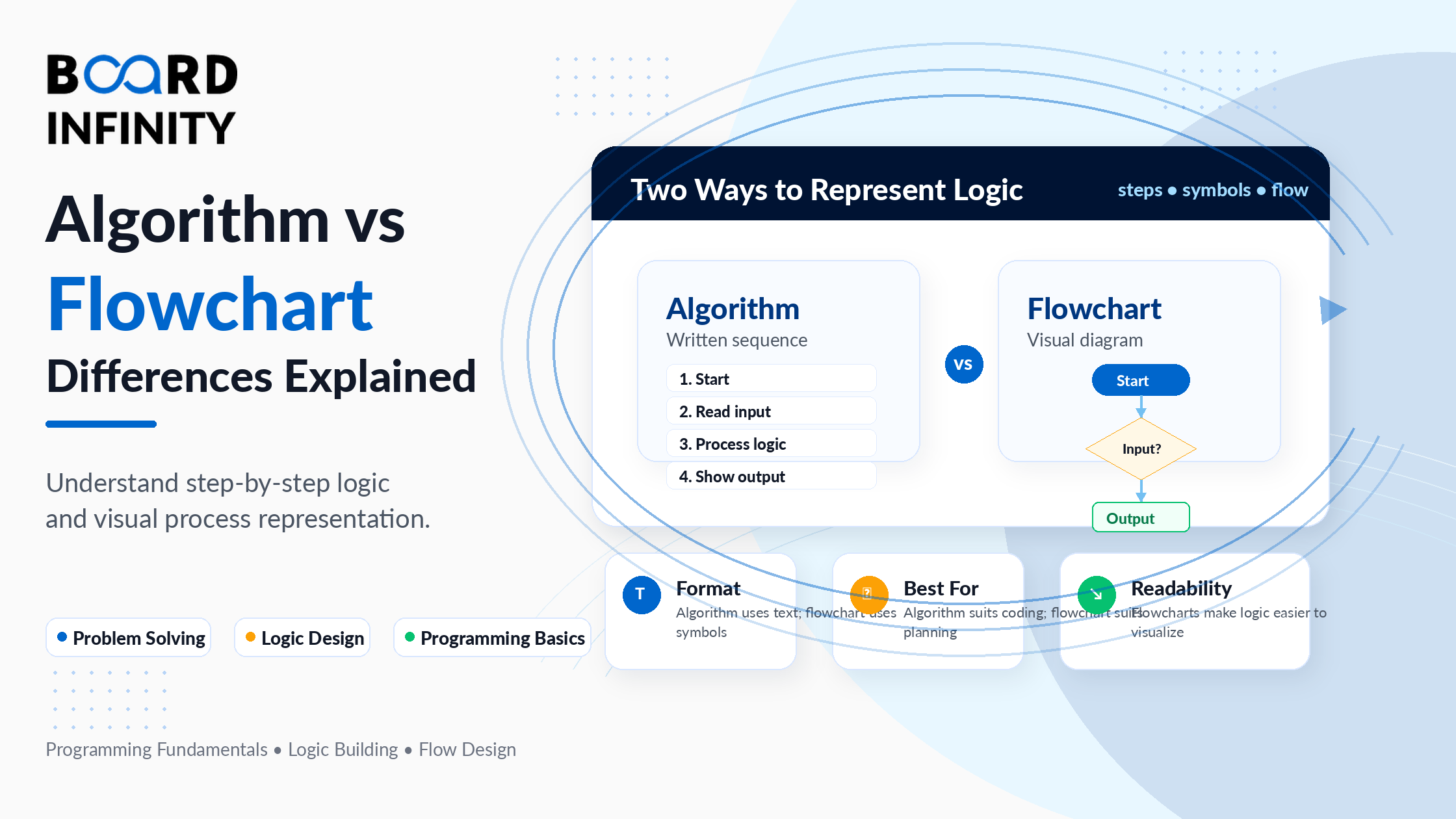
Every computer program begins as an idea. Before a single line of code is written, programmers need a way to plan the logic, communicate the steps, and verify the approach. Two tools exist for exactly this purpose - algorithms and flowcharts - and understanding the difference between them is one of the first things every CS student and programmer needs to nail down.
An algorithm is a step-by-step written procedure for solving a problem. A flowchart is a visual, diagrammatic representation of the same procedure using standardised shapes and arrows. They serve the same purpose - planning and communicating logic - but do so in completely different formats, for different audiences, and with different strengths.
This guide covers everything: clear definitions of both, the difference between algorithm and flowchart in table form, a complete flowchart symbols reference, worked examples showing the same problem solved as both an algorithm and a flowchart, types of each, advantages and disadvantages, and a decision guide for when to use which. If you want to go deeper into how algorithms are measured and compared, Board Infinity's guide on data structures and algorithms covers complexity analysis and algorithm design patterns in full detail.
Who This Guide Is For
Define Algorithm: What is an Algorithm?
An algorithm is a finite, well-defined sequence of step-by-step instructions for solving a specific problem or completing a specific task. The key word is finite - an algorithm must terminate after a set number of steps and produce a result.
Algorithms can be written in plain English, pseudocode, or any programming language. They are language-independent - the same algorithm can be implemented in Python, Java, C++, or any other language. An algorithm describes the logic of a solution, not its syntax.
The word "algorithm" traces back to the 9th-century Persian mathematician Muhammad ibn Musa al-Khwarizmi, whose name was Latinised as "Algoritmi." The first algorithm written for a mechanical computer is credited to Ada Lovelace, who designed one for Charles Babbage's Analytical Engine in the 19th century.
Types of Algorithms
Define Flowchart: What is a Flowchart?
A flowchart is a graphical or pictorial representation of an algorithm or process. It uses standardised geometric shapes connected by arrows to show the sequence of steps, decision points, and the flow of data or control through a program.
The term "flowchart" was popularised in the 1940s-50s when IBM engineers Frank Gilbreth and Herman Goldstine began using diagrammatic representations to plan and document computing processes. Today, flowcharts are used not just in programming but across business, engineering, healthcare, and project management to visualise and communicate any process.
The process of creating a flowchart for an algorithm is called flowcharting. Flowcharts are language-independent and can be understood by both technical and non-technical audiences - making them one of the most universally useful communication tools in any organisation.
Standard Flowchart Symbols
Every flowchart uses a set of standardised shapes. Using the correct symbol for each type of operation is what makes a flowchart readable and internationally consistent.
Standard Flowchart Symbols
Types of Flowcharts
Difference Between Algorithm and Flowchart with Example
The clearest way to understand the difference is to solve the same problem using both tools side by side. The following example finds the largest of two numbers - first as an algorithm, then as a flowchart.
Example: Find the Largest of Two Numbers
As an Algorithm:
As a Flowchart:
Flowchart: Find Largest of Two Numbers
Fig: Flowchart for finding the largest of two numbers
Example 2: Algorithm and Flowchart for Checking Even or Odd
Advantages and Disadvantages
Advantages and Disadvantages of Algorithm
Advantages and Disadvantages of Flowchart
Algorithm vs Flowchart: When to Use Which
Choosing between an algorithm and a flowchart depends on your audience, the complexity of the problem, and the purpose of the documentation. Neither is universally better - they serve different functions and are most effective when used for the right purpose.
Similarities Between Algorithm and Flowchart
Conclusion
An algorithm and a flowchart represent two different ways of expressing the same thing - a logical procedure for solving a problem. The algorithm does it in structured text; the flowchart does it in standardised shapes and arrows. Neither is inherently better than the other - they have different strengths for different audiences and purposes.
The three things to take away: first, algorithms are better for technical precision, direct code translation, and debugging complex logic. Second, flowcharts are better for visual communication, showing branching and loops intuitively, and explaining processes to non-technical audiences. Third, the most effective approach in practice is to use both - flowchart first to see the structure, algorithm second to capture the logic precisely.
For anyone building a career in computer science, mastering both tools is non-negotiable. They are the foundation of problem-solving before any code is written, and they appear in every CS interview, university exam, and software design document. Board Infinity's complete guide on data structures and algorithms is the natural next step for deepening your problem-solving toolkit with specific algorithm types and complexity analysis.
Frequently Asked Questions
Q1. What is the main difference between algorithm and flowchart? An algorithm is a step-by-step written procedure using text or pseudocode to solve a problem. A flowchart is a visual, graphical representation of the same procedure using standardised shapes (oval, rectangle, diamond) connected by arrows. Both express the same logic in different formats - algorithm in text, flowchart in visuals.
Q2. What is the difference between algorithm and flowchart in table form? The main differences in table form are: format (text vs graphical), ease of understanding (complex vs intuitive), construction difficulty (harder vs simpler for small problems), debugging (easier in algorithm vs harder in flowchart), and modification (easier to edit text vs harder to redraw diagrams). A full 14-point comparison table is provided in this guide above.
Q3. How do you define algorithm and flowchart? An algorithm is a finite, well-defined sequence of unambiguous instructions for solving a specific problem - it must have inputs, produce outputs, be definite, finite, and effective. A flowchart is a diagrammatic representation of an algorithm or process using standardised geometric shapes - ovals for start/end, rectangles for processes, diamonds for decisions, and parallelograms for input/output.
Q4. What are the standard flowchart symbols? The five main flowchart symbols are: Oval (Terminator) - marks the start or end; Rectangle (Process) - represents calculations or operations; Diamond (Decision) - represents yes/no or true/false conditions; Parallelogram (Input/Output) - represents data entry or output display; Arrow (Flow Line) - shows the direction and sequence between steps.
Q5. Which is easier to understand - algorithm or flowchart? Flowcharts are generally easier to understand for most people because they are visual and intuitive. The symbols make it easy to see the flow, decision points, and loops at a glance without reading through text. Algorithms require familiarity with pseudocode or programming syntax, making them more challenging for beginners or non-technical stakeholders.
Q6. Can a flowchart exist without an algorithm? No. Every flowchart is a representation of an underlying algorithm. You cannot draw a meaningful flowchart without first having the logical steps of a solution - those steps are the algorithm. The flowchart is the visual translation of the algorithm. However, an algorithm can exist without a corresponding flowchart - many programs are written directly from pseudocode without ever being drawn as a diagram.
Q7. What are the types of algorithms? The main types of algorithms are brute force (tries all solutions), divide and conquer (breaks into sub-problems), dynamic programming (stores sub-results to avoid recomputation), greedy (picks locally optimal choices at each step), recursive (calls itself with smaller input), and backtracking (explores possibilities and abandons invalid paths). Each type is suited to different categories of problems.
Further Reading
Board Infinity Guides:
- Data Structures and Algorithms
- What are Keys in DBMS
- Structure of DBMS with a Diagram
- Core Java Concepts and Syntax
External Resources:
- GeeksforGeeks - Introduction to Algorithms - comprehensive reference covering algorithm types, complexity analysis, and design techniques
- Lucidchart - What is a Flowchart? - authoritative guide to flowchart creation with standard symbol definitions and practical templates
- Khan Academy - Algorithms - free beginner-friendly course covering algorithm fundamentals with interactive examples